

How to connect a USB endoscope to Android
Check USB OTG support, UVC compatibility, and camera permissions. Follow the setup steps and troubleshoot a USB endoscope with no picture on Android.
Read the guide →New in 1.3: inspection reports. Capture, describe, export.
How inspection reports work →Magic Endoscope is our Android app for compatible USB and Wi-Fi inspection cameras. Preview hard-to-reach places, save photos and videos, and organize your captures. Available on Google Play.

Connect compatible USB UVC cameras and supported Wi-Fi probes. Check your phone, adapter, and camera together before relying on the setup.
Save photos and videos with optional timestamp, location, and manually scaled ruler overlays. Review captures in the gallery before sharing.
Check your camera in Free mode: unlimited photos and clips, no time cap, and inspection reports you can create and preview. Pro is a one-time purchase that removes the watermark, saves rulers and dimensions into your captures, and exports reports as PDF or Word.
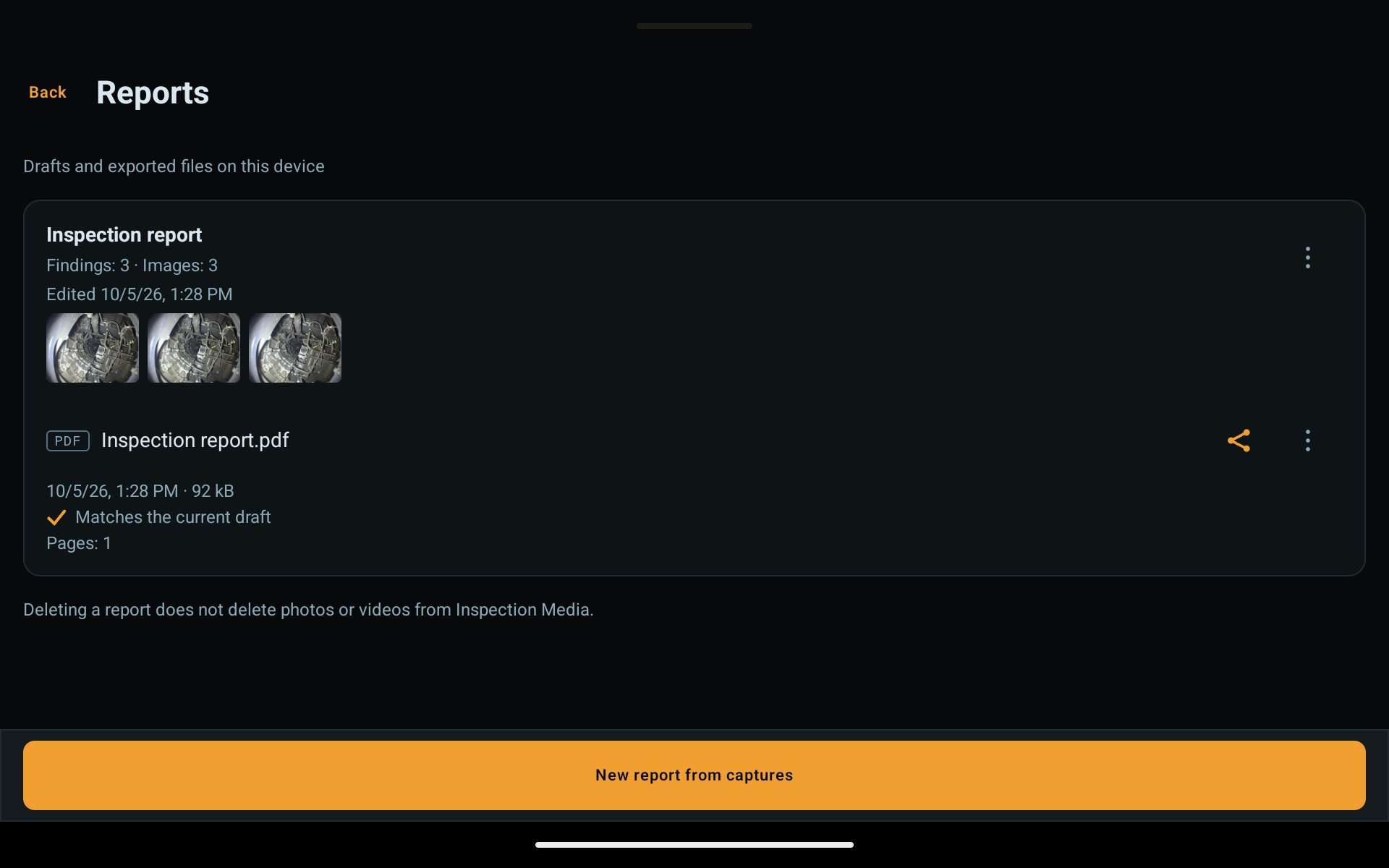
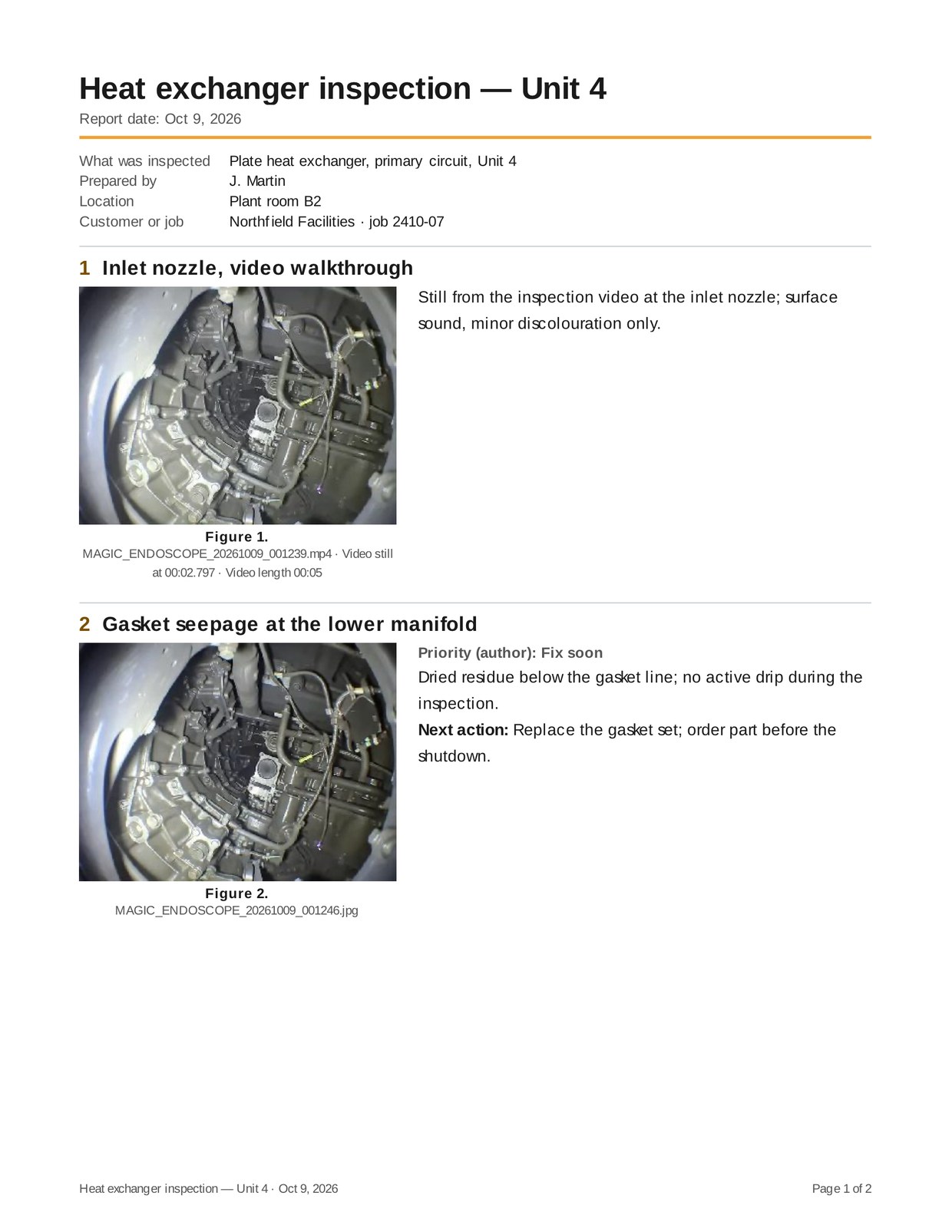
Press and hold captures in Inspection Media and tap Create report. Add findings, next actions and job details, check every page in the preview, then export a PDF or an editable Word file. Creating and previewing is free; export is part of Pro.
Technomagic Solutions is a group of engineers building software systems for technical operators. Each product is specified end-to-end and delivered as a single defined system rather than a stack of separately-sourced components.
Read about us →